Guest Experience
Park Wi-Fi Without the Tears: What Guests Actually Expect, and What Delivering It Really Involves
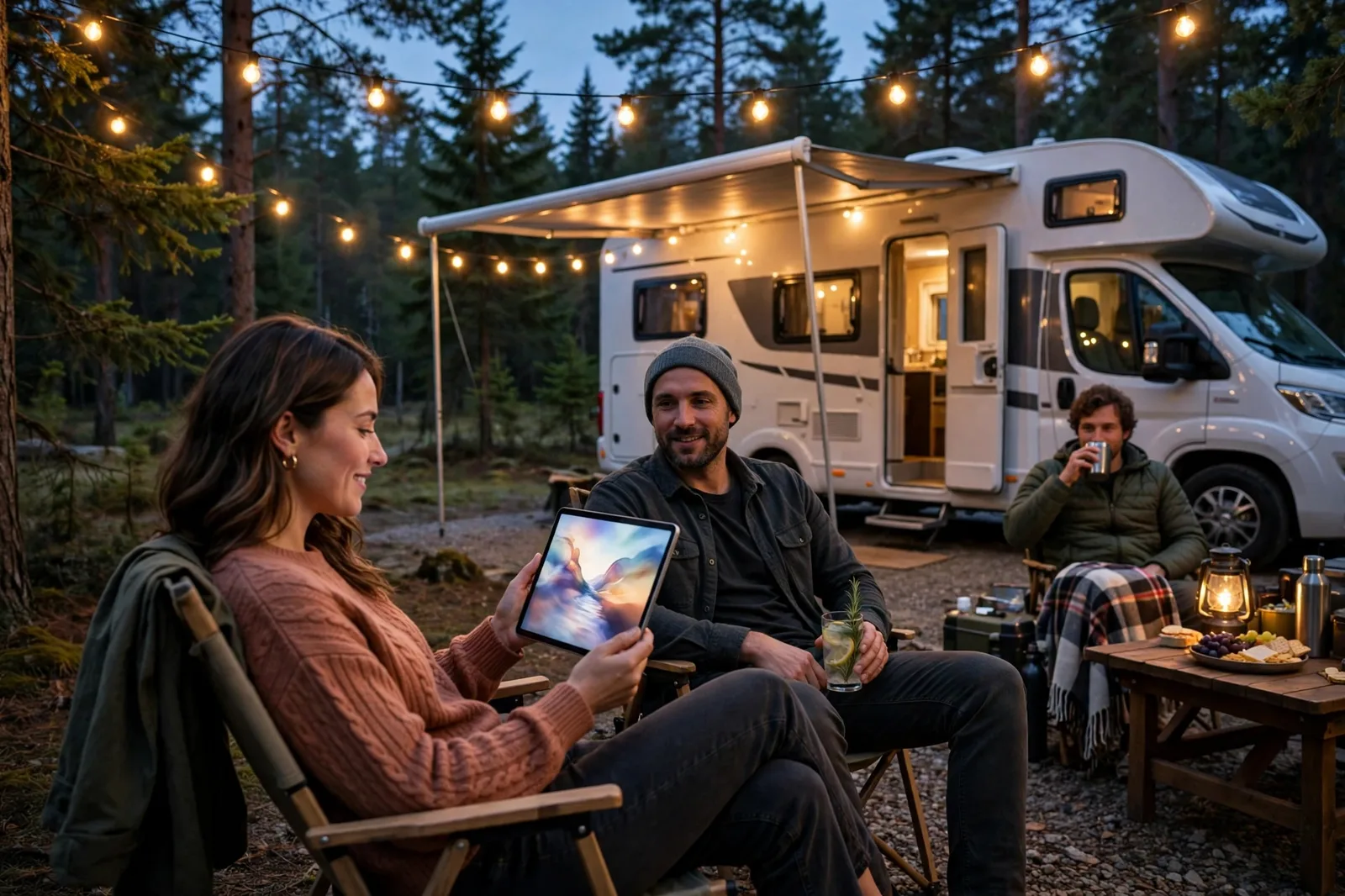
Wi-Fi is the amenity guests ask about at booking, complain about in reviews, and almost never compliment when it works — because working is what they expected. It is also the amenity most often installed wrong, because a campground is one of the hardest environments on earth for wireless: large, outdoors, full of metal boxes, and busiest exactly when everyone uses it at once. This article separates fact (what the research says guests expect), professional opinion (how to approach the build), and illustrative numbers (clearly labeled examples).
What Guests Expect (Fact, From Industry Research)
KOA's Camping & Outdoor Hospitality Report — the industry's largest annual camper survey — found that nearly half of campers (47% in the 2026 report) cite Wi-Fi as very important when choosing a campground, and that having Wi-Fi available can add an average of up to nine extra camping nights per year for campers. KOA's research also tracks a substantial share of campers who work while camping — roughly a third or more in recent editions — which means a meaningful slice of your guests isn't checking email; they're on video calls on a Tuesday. "Very important" plus "working remotely" translates to a concrete expectation: a connection that holds a video stream or a video call at 8 p.m. on a full Saturday, inside a metal-skinned RV, three rows from the office.
Why the Office Router Never Stood a Chance
The classic campground setup — one consumer router in the office, password on the whiteboard — fails for physical reasons, not effort reasons:
- Distance. Wi-Fi range outdoors is measured in tens of yards of usable signal, not the hundreds of feet between loops.
- Obstructions. Trees (especially wet, in-leaf trees), terrain, and other RVs absorb and block signal. Coverage in April is not coverage in July.
- The rig itself. Aluminum and fiberglass-with-foil insulation attenuate signal significantly; a guest can have "full bars" at the picnic table and nothing at the dinette.
- Congestion. The network's hardest moment is 7–10 p.m. on a sold-out weekend, when every site streams simultaneously. A system sized for Tuesday afternoon fails precisely when reviews are written.
What a Working System Actually Involves (Professional Opinion)
Four layers, in order — because fixing them out of order wastes money:
- Backhaul first. Your park's total internet connection is the ceiling everything shares. No access point can deliver bandwidth the park doesn't have. Find out what your address can actually get (fiber, cable, fixed wireless, or satellite) before buying anything that broadcasts.
- Distribution. Getting that bandwidth around the property — fiber or point-to-point wireless links to each loop — so access points aren't daisy-chained on hope.
- Outdoor-rated access points, plural, mounted with clear lines of sight down the rows, close enough that a guest's device (which transmits weakly, and is the real limit) can talk back.
- Management. Per-device bandwidth limits so one guest's cloud backup doesn't take the loop down, a separate network for your office and payment systems, and monitoring so you learn about an outage from a dashboard instead of a review.
An illustrative example, with assumptions stated: a 60-site park, full on a Saturday, assuming half the sites stream simultaneously at roughly 5 Mbps each, needs about 150 Mbps of real delivered throughput at peak — before work-from-RV guests and your own office. That's illustrative arithmetic, not an engineering spec, but it shows why a 25 Mbps connection and one router was never going to survive July.
The Honesty Layer
In our opinion, half the Wi-Fi complaint problem is a promise problem. If your system supports email and browsing but not streaming, say exactly that at booking and check-in — guests forgive a stated limit and punish a discovered one. Post the network name, password, and realistic expectations in the same place (site map, check-in sheet, text message). And test it the way guests experience it: inside a rig, back row, 8 p.m., holiday weekend — the same discipline we recommend for your whole-park guest self-audit. Whether Wi-Fi justifies its cost at your park is a numbers question; our article on reading your occupancy and revenue numbers is the framework for answering it.
RVeyOS is currently in development; guest communication and amenity information are part of the guest-experience picture we're building. Join the waitlist for launch updates.